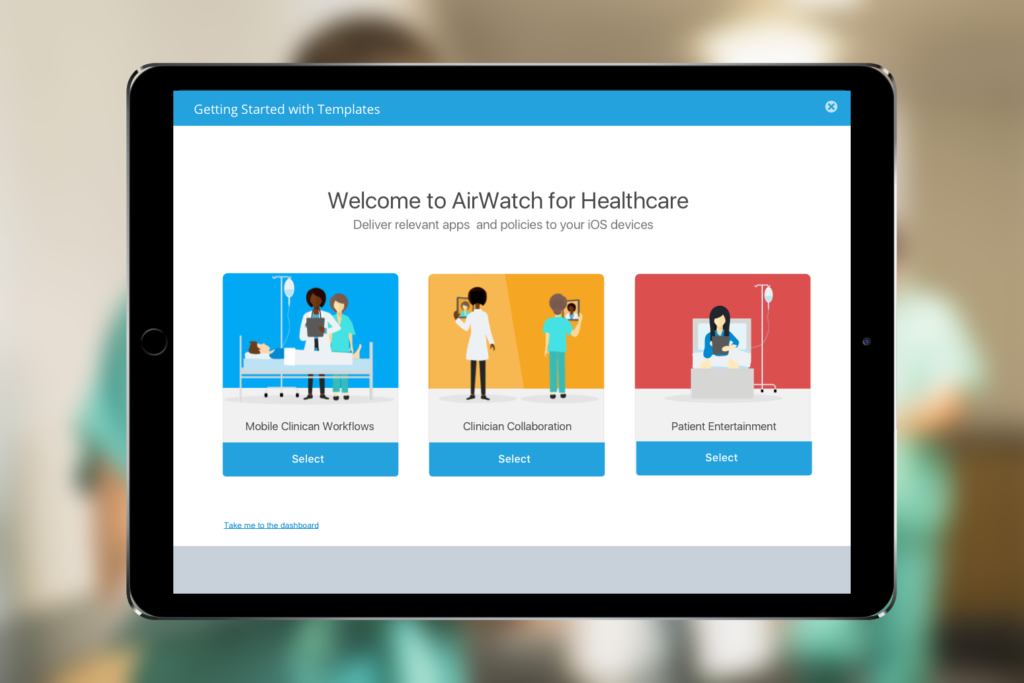
Problem
Industry Templates was an initiative by VMware AirWatch to simplify mobility configurations in various industries by promoting the use of iPads. The goal was to eliminate complexity for IT admins by guiding admins through industry-specific
My Role
I was the lead product designer on a team made of front and back-end developers, QAs, User Experience Researcher and a Project Manager. I worked closely with the project manager to understand scope and requirements.
Project Scope
To select these industries, we needed help from the marketing and sales teams. These industries must have use cases where iPads could increase workers’ mobility. We identified 5 such industries for the first phase of the project.

The Design Process
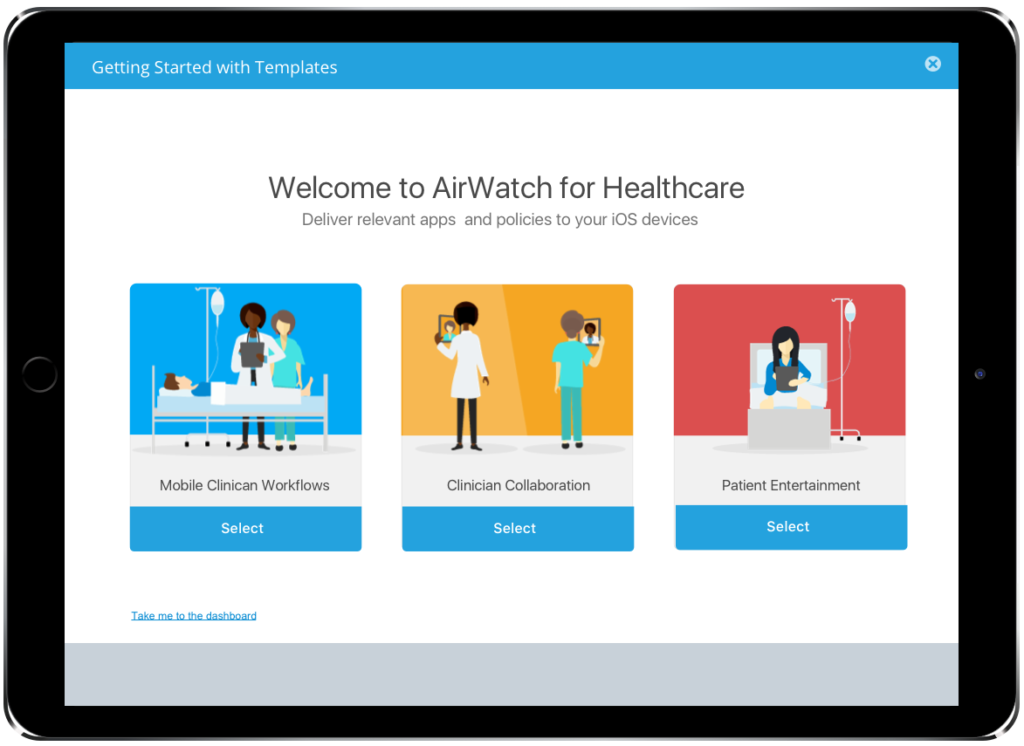
The goal of Industry Templates was simple: to allow admins to set up apps and policies, and to assign them to a group of users. However, this was easier said than done, since the AirWatch console is very complicated and has multiple dependencies affecting every component. Some of the design decisions I encountered were around the following flows:
Adding Apps
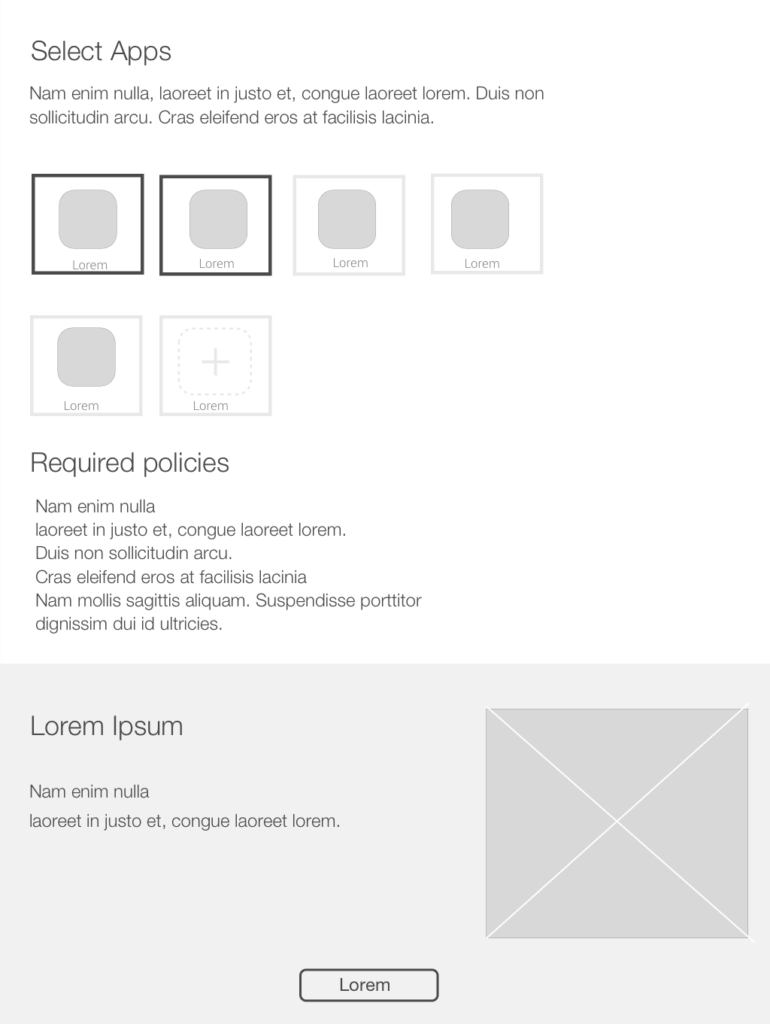
When digging deeper into how apps are added, I had three types of apps to consider:
1. Pre-selected apps which were required for each workflow
2. Public apps from the app store
3. Internal apps that admins can add
I understood the different requirements for each type of app and how the added app would tie into our backend. More importantly, I had to ensure that selections were made clear and account for edge cases such as having more than 10 apps being added.
Restrictions and Policies
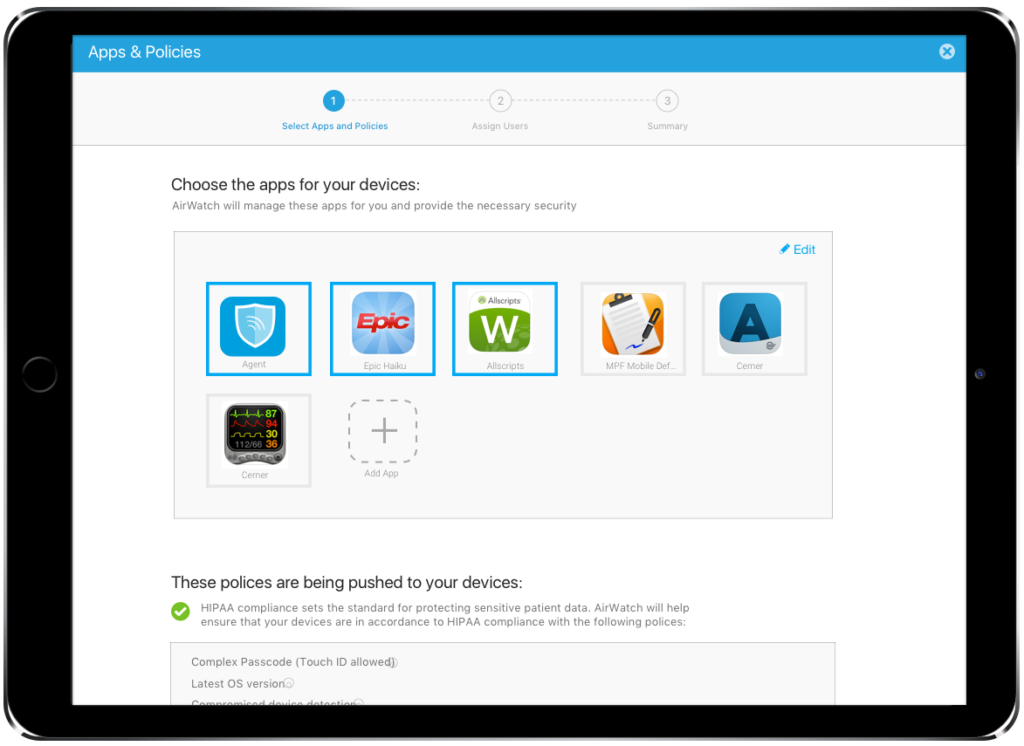
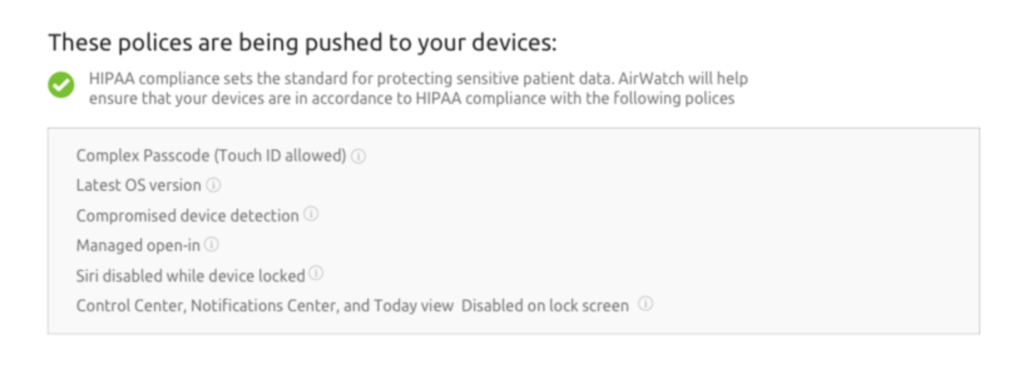
AirWatch has different restrictions and policies, but for a user, this distinction wasn’t that important. I decided to simplify the flow by having a single section for both. Since all these also exist in another place in the console, it was important to make distinct statuses visible such as available, default and modified.
Adding Users
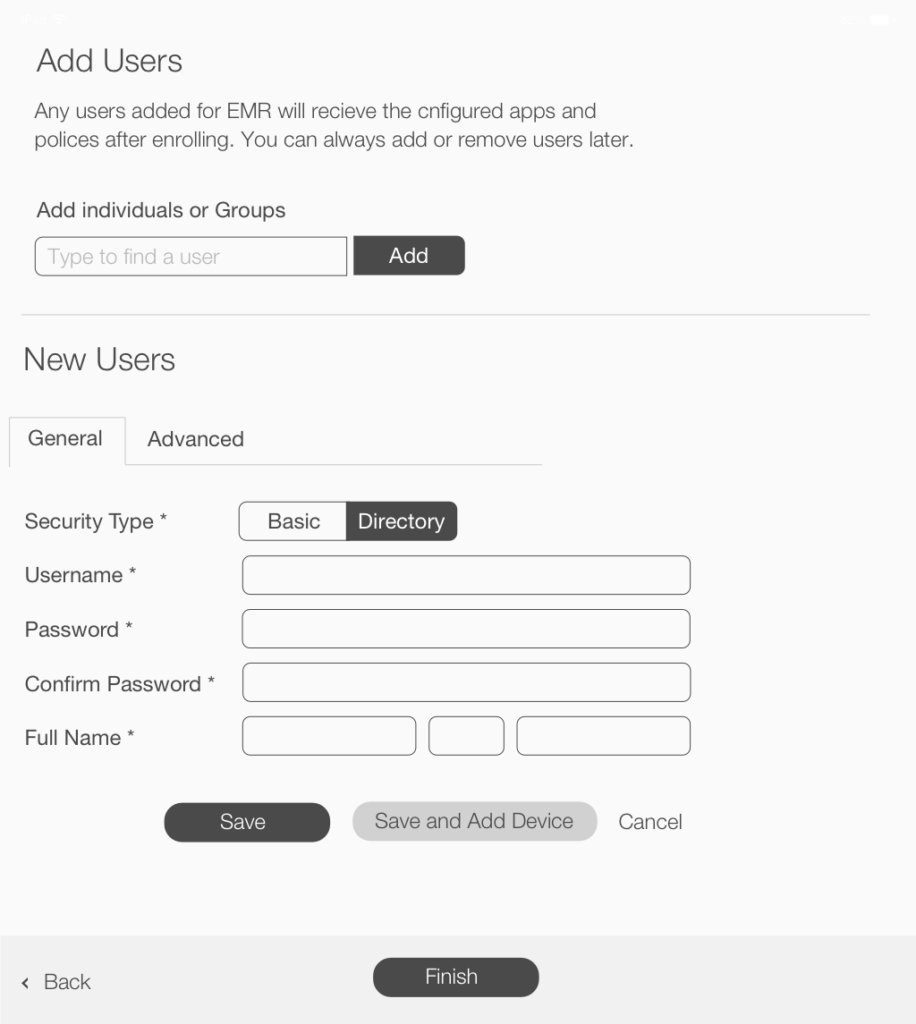
Adding users presented another challenge to the flow. Again, users are stored in a different location which created some technical challenges to this process. I had to work within these constraints so that admins can search for pre-existing user groups and individual users, add them and then display them.
Understanding the why with user research
Once we had our flow ready, we decided to test it, with a focus on the healthcare industry. Our assumption was that the usability issues for templates would be similar across industries. We conducted moderated tests with all our participants.
Test Design
- Each participant was given their role as a healthcare admin, background situation, and a goal.
- They were provided with a prototype to freely interact with.
- We observed them as they completed tasks and completed the session with a semi-structured discussion.
Feedback
Overall, the feedback we received was positive with a few tweaks needed to the UI. The purpose and tasks were easily understood by our participants. However, we had two big questions to approach for the next iteration.
- Location: Where would this feature live?
- Workflow: Should we do each task as a step?
To address those questions we gathered more feedback and decided to make the following updates:
- We made Industry Templates easily accessible to new admin by placing it in the central hub
- We decided to keep the workflow on one page rather than steps to reinforce its simplicity.
Telling the customer story
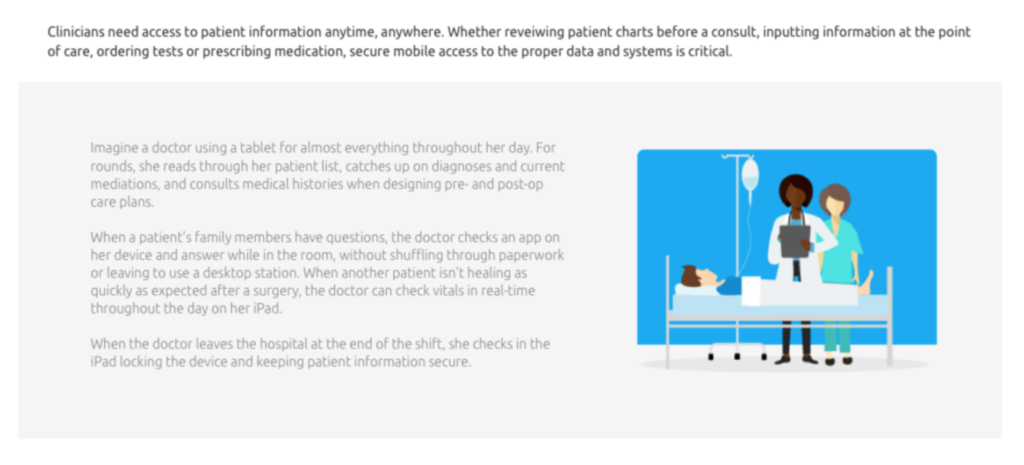
We worked with the marketing team on a Story for each workflow explaining the value and all the pre-selected configurations based on industry research.
Impact
Industry Templates was announced in the VMware AirWatch Connect conference in September 2016 with a live preview of the designs. It was launched as one of the biggest updates in the AirWatch 8.3 release in February 2016.
Some more coverage of the release:
- AirWatch 8.3 released with focus on IT transparency
- VMware AirWatch 8.3 Release Includes Enhanced Security Functionality
- VMware is announcing AirWatch 8.3 today, and the main themes are single sign-on and user privacy.
An unexpected lasting impact
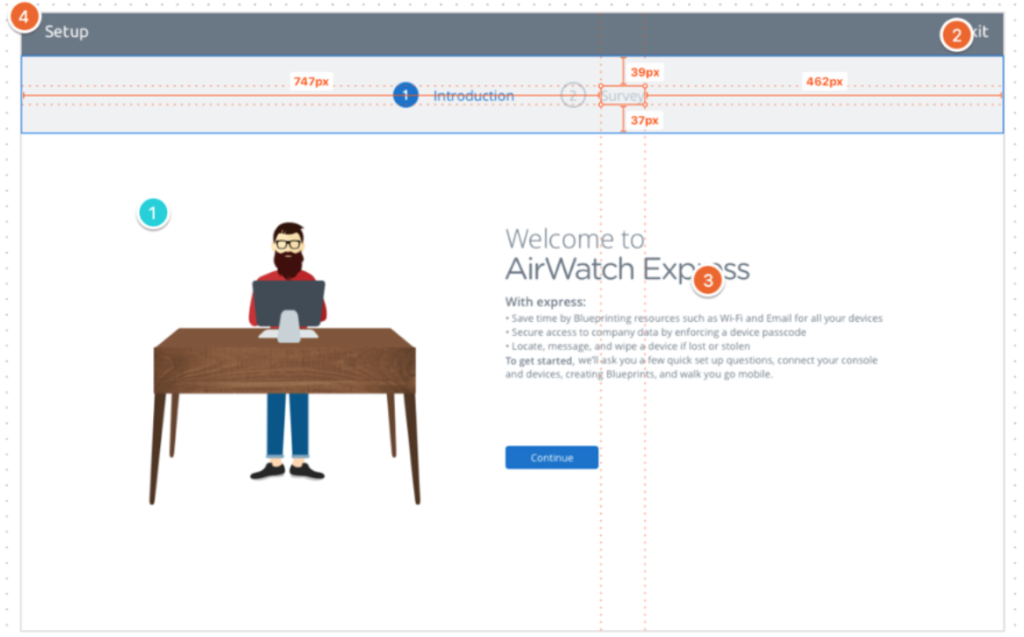
The illustration style I introduced in this project was well received by VMWare leadership. I carried this style over in additional projects and once I left, visual designers continued to use this style in their following projects for onboarding and zero states.